I have a big idea and project brewing. I have been gradually adding to it for a couple of weeks. The idea came to me when I watched some examples of Canva’s Bulk Create feature. With that tool, you can take data from a spreadsheet and convert into a document or a slideshow. Basically, it’s a good old fashioned Mail Merge. I always loved a good mail merge. There were a few Google Add-Ons that I used to make some neat projects. But, I am excited to combine the spreadsheet feature that newer to Canva with the ease of design in the program.
When I have an entire page of to-do items, this is when a Squirrel often enters my head. A distraction. A project that goes in a strange direction. Today, it was to create a slideshow about the Battle of the Books titles for this year.
We have a subscription to TeachingBooks, and I knew that I could get a lot of the information that I was looking for in that platform. I was even able to import the titles, author, and ISBNs, and TeachingBooks create a reading list automatically for me! That was Step 1. (These are not clear step by step directions, simply a description of the process.)
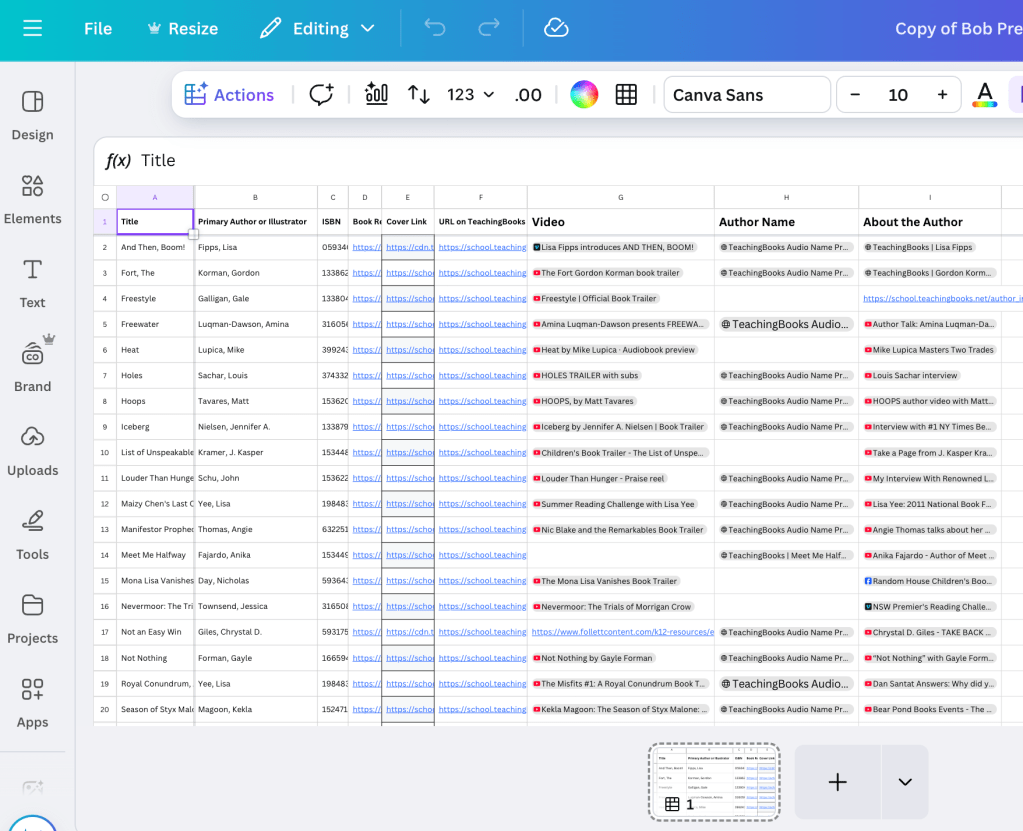
Step 2:
From the basic spreadsheet, I added some more information. I added a link to the cover image. I found a good video trailer. If the author had an audio clip of how to say their name, I made a column for that. I also found a video for each author that shows them talking. There’s just something magical about hearing an author speak about their work.
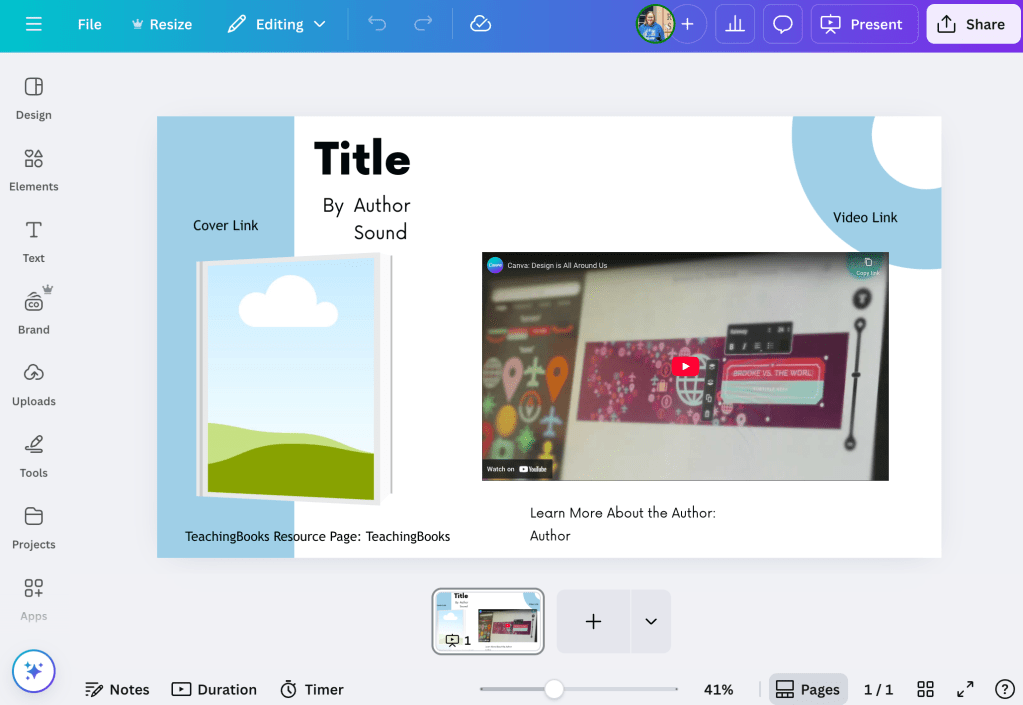
For Step 3, I adjusted a very simple presentation template and entered spots for the data to merge.
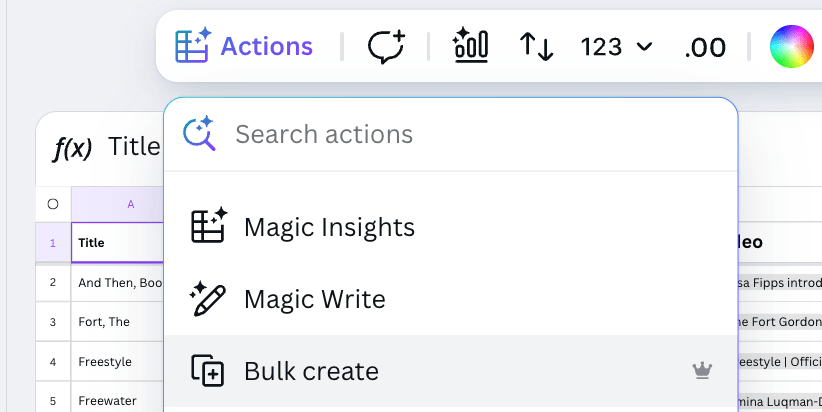
Under Actions, you can find the Bulk create tool.
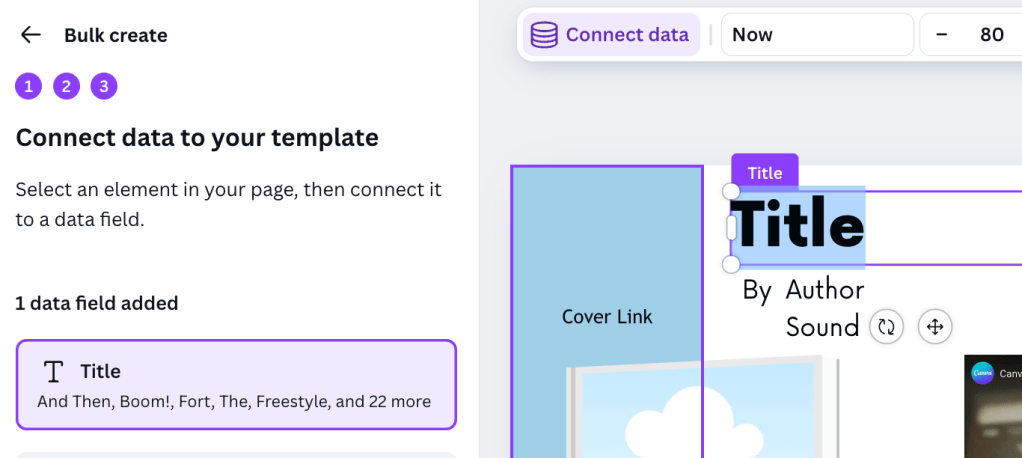
Step 4: Using the Bulk Create tool, I matched up each data point: Title to Title, Author to Author.
I will admit, the merge was not smooth sailing. When I had put in many of the links, they had converted to “titles” and not “links.” When that data moved to the first merge, the URL disappeared and only the text remained. I didn’t find a way for the image to automatically populate into the slides. I had to use the URL to go out and grab the image. Basically, the only data that came over correctly was the Title and Author. This is VERY good to know, as the future project is a lot more complex and will have a lot more links. I will need to rethink how I make the template.
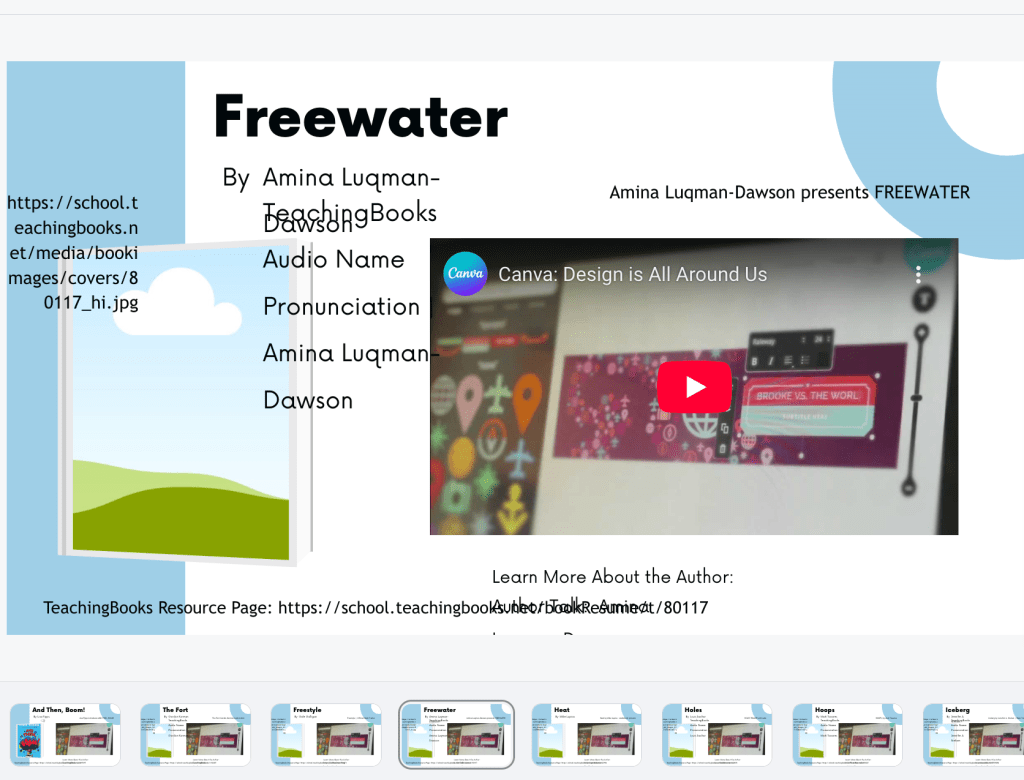
The Bulk Create put the title of the video I wanted and the title of the link to the author above and below the image place holder. Rather than troubleshoot, I ended up just grabbing the data from the spreadsheet. Putting the title and author on the slides, at least, did save some time. Having the link at the bottom to the resource page was more of what I was hoping with including links in the spreadsheet.
As a Squirrel project, I couldn’t stop. I did make myself put some dents into other work. But, I kept coming back to this slideshow. In the end, it did turn out pretty. Pretty in looks. And, pretty valuable to teachers who may not be familiar with the books.
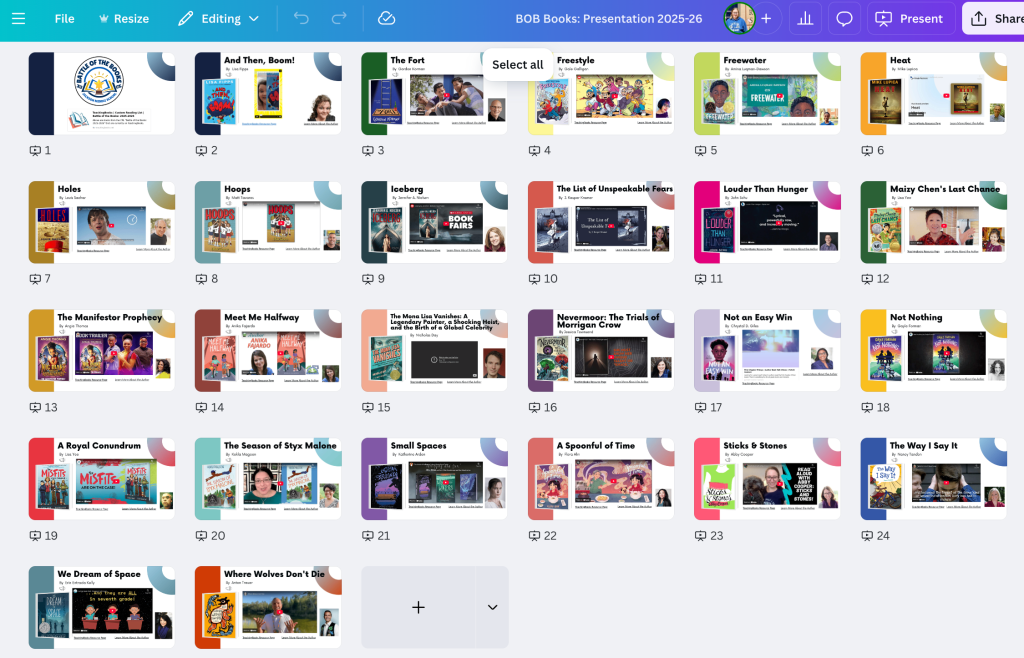
Here’s a sneak peek at the Battle of the Books title presentation.
 Reflecting Forward with Jen Legatt
Leave a comment